
Select the platform that best fits your needs to view the pricing options or compare solutions.
Apple
Windows
Chrome
Android
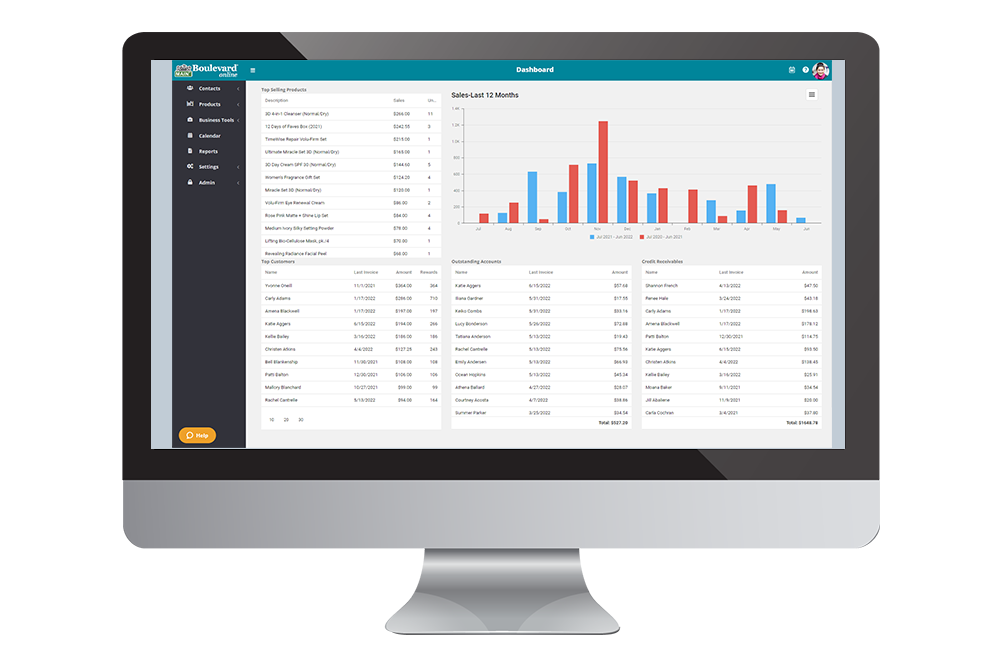
Boulevard online is designed to be used on a desktop/laptop computer or iPad/tablet (Apple, Windows, Android, or Chrome operating systems) with an internet connection using one of the major web browsers that have been updated to their current release (Microsoft Edge, Google Chrome, Mozilla Firefox, or Apple Safari).
Please note that you can use Boulevard online on smaller mobile devices, but it has not been scaled down, and thus is not as user-friendly. We also do not recommend using Boulevard online on older, unsupported web browsers (Internet Explorer, etc.).
Windows
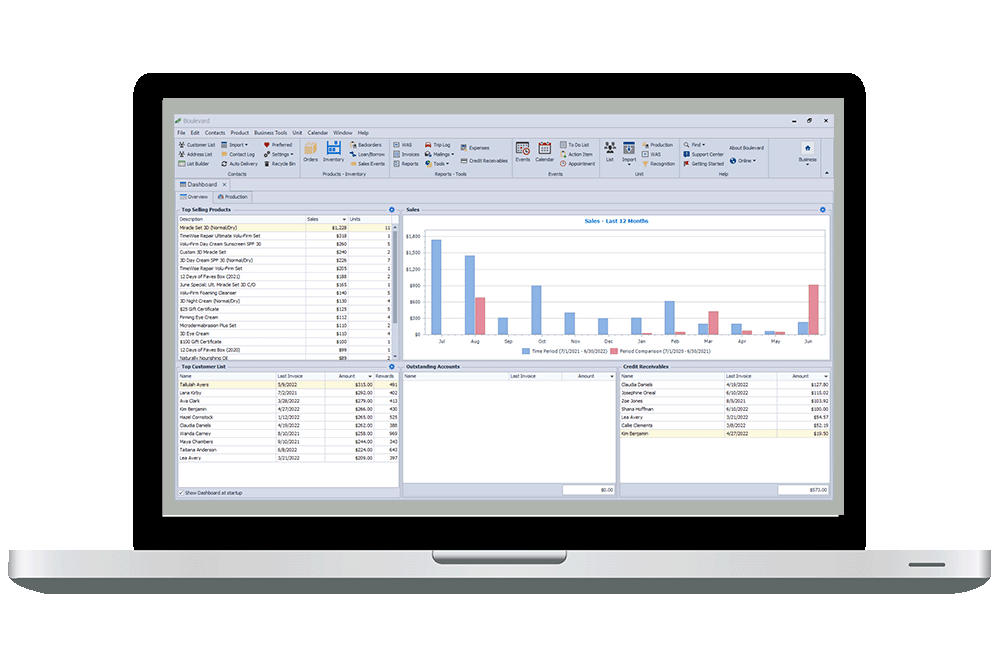
OPERATING SYSTEM: Windows 11 or 10
PROCESSOR: Intel i5 (or equivalent)
MEMORY: 4GB (higher recommended)
HARD DISK: 100G
DISPLAY: Screen resolution running 1024 x 768
INTERNET: An internet connection to install program software releases and product updates.
The installed version of Boulevard can be installed on systems with different configurations than what is listed. Besides the Windows operating system and an internet connection to download, the other system requirements are only recommendations.
Please note that Microsoft no longer supports Windows XP, Vista, 7, or 8.1; therefore, Boulevard cannot be installed on pcs using other operating systems than what is listed above.
We do not offer an installed version for Apple computers (or Chromebooks). To use the installed version of Boulevard on a Mac requires emulation software such as Boot Camp, Parallels, or VMware Fusion to be installed with a valid Windows license.